1. Overview
Product images (preview images) are lightweight, optimized visuals displayed in the browser (Designer/Front End) and used during Artifi product setup. These images enable accurate product visualization and ensure a smooth customization experience.
To maintain consistency and usability in the designer, all product images - including multiple product views (Front, Back, Left, Right) - must follow standardized dimensions, alignment, scale, and formatting rules.
Additionally, images must support customization by ensuring that all print, canvas, or design areas remain clean, blank, and unobstructed.
2. When Should You Follow Product Image Guidelines?
Product image guidelines should be followed in the following scenarios:
- Uploading or updating product images
- Configuring product variants (colors, styles)
- Setting up multiple product views (front, back, left, right)
- Preparing images for customization (logo/text placement)
3. Image Specifications
- Image dimensions must maintain the same aspect ratio as the print/customization area.
- Recommended size: 800 px to 1000 px
- Maximum width or height must not exceed 1000 px.
- One side can be 800 px or 1000 px, and the other side should adjust proportionally
- The proportional side can go below 800 px if required to maintain aspect ratio
- Customized/artboard areas i.e. design, or canvas area must be clear and blank and free from:
- Artwork
- Shadows
- Textures
- Pre-existing graphics
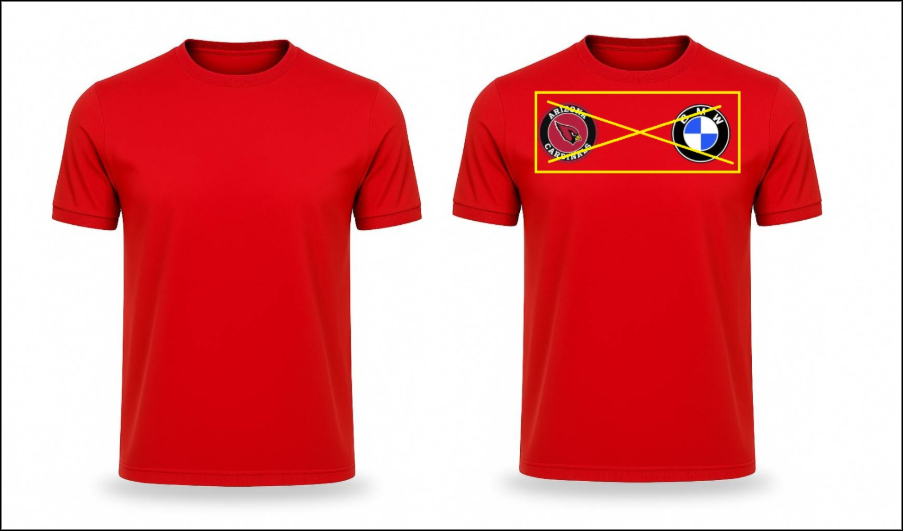
- All images must follow consistent dimensions across all views and variants
Supported file formats:
- PNG
- JPG / JPEG
- Maximum file size per image: 2 MB
- For JPG/JPEG images, the background must be white.
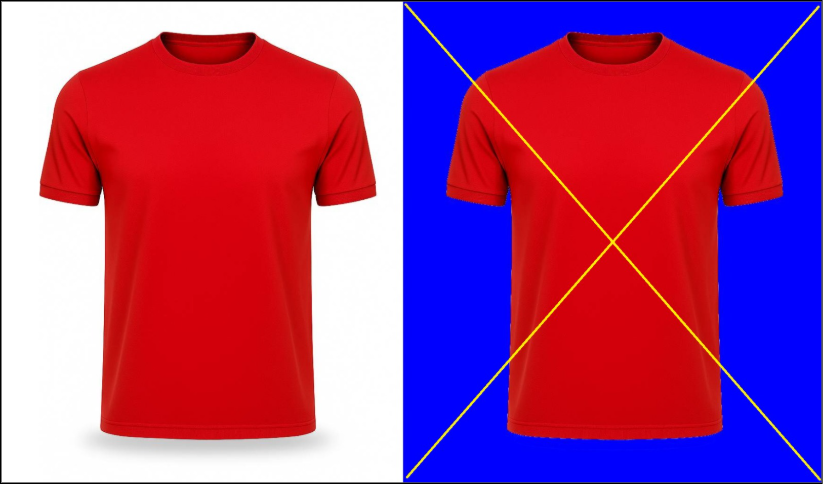
- Maintain identical dimensions scale, and alignment across all variants for the same view.
- Placement must have consistent meaning: Elements (e.g., logos, orientation) should appear in the same logical position across variants
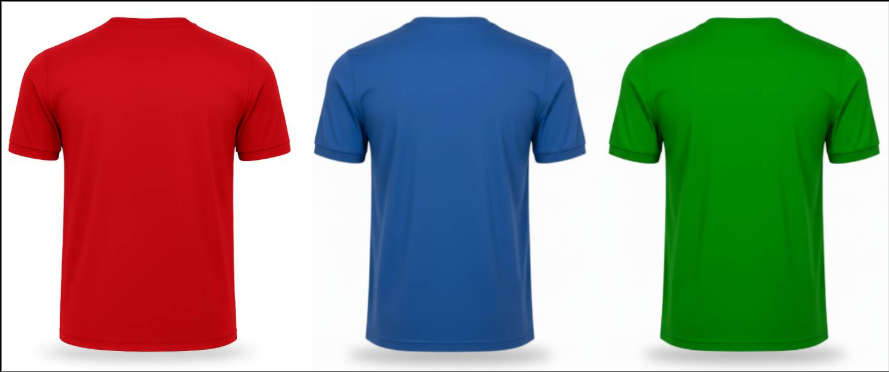
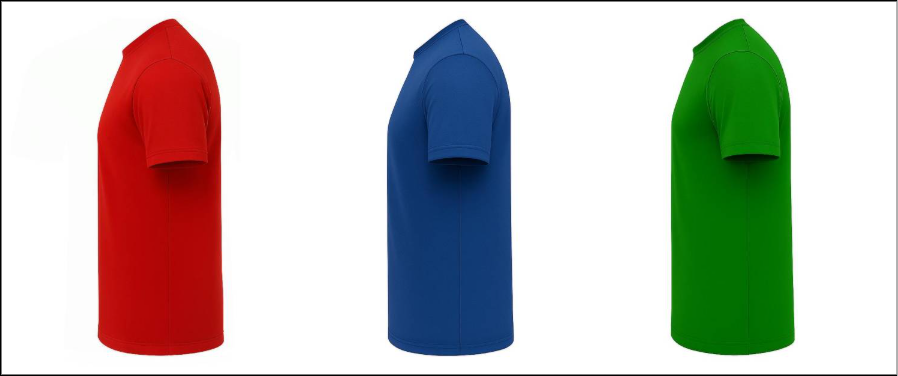
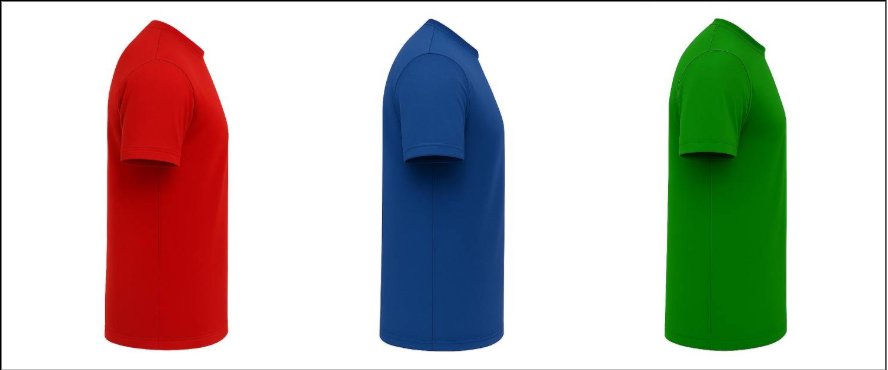
- Variant Views Example: If the front view of a red T-shirt is 1000 × 1000 px, all other variants (blue, green, etc.) must use the same dimensions and alignment.
- Front Views – Dimensions Width = 1000 px x Height = 1000 px
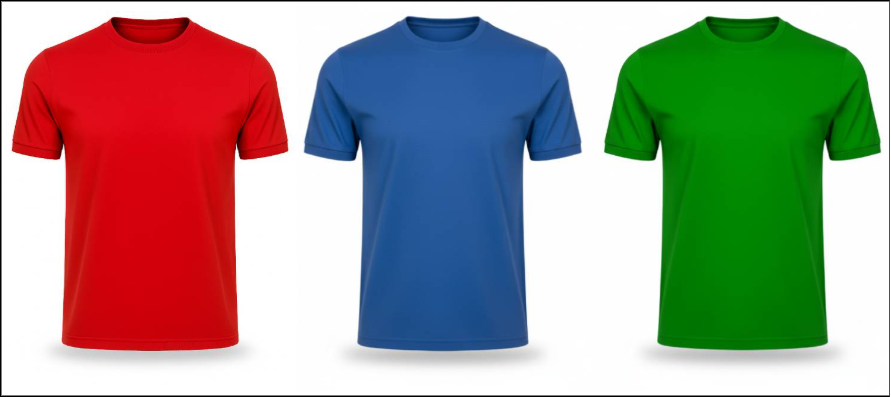
- Back Views – Dimensions Width = 1000 px x Height = 1000 px
- Left Views – Dimensions Width = 413px x Height = 1000 px
- Right Views - Dimensions Width = 413px x Height = 1000 px
- Images should be optimized and small enough for smooth browser rendering, without compromising quality.
Camera-Based Image Guidelines
- Maintain identical size, scale, and placement across all images
- Ensure the product is consistently positioned in every view
- Images should visually overlap when switching to avoid movement
If images are inconsistent:
- Products may shift or “shake” when switching views or variants
- Customization may appear misaligned
- Overall user experience will be negatively impacted
4. Common Issues & Troubleshooting
Issue: Product shakes when switching views or variants
Possible Cause:
- Inconsistent sizes across view images
- Misalignment between variant views
Resolution:
- Ensure all images have identical dimensions
- Align product position consistently across all variant and variant views
- Re-upload corrected images
Issue: Customization overlaps or looks incorrect
Possible Cause:
- Printing, canvas, or design area is not blank
Resolution:
- Use images with a clean and empty customization area
- Remove any existing graphics or textures from that region
- Re-upload corrected images
5. Best Practices & Recommendations
- Maintain consistent dimensions across all views and variants
- Ensure canvas, or design areas are always blank
- Keep product alignment consistent in every image
- Use high-quality images within size limits
- Test all views in the designer before finalizing
- Avoid mixing different perspectives or layouts
6. Q&A
Q1: What are product views?
Product views represent different sides of the product such as Front, Back, Left, and Right.
Q2: Do all product views need the same size?
- No
- However, each view must remain consistent across all variants
Q3: Why should the canvas, or design areas be blank?
Blank areas ensure that uploaded designs render correctly without overlapping or visual issues.
Q4: What happens if the variant image and the variant view images are not consistent?
The product may shift or shake when switching views or variants.
Q5: Can different sizes be used for different views?
Yes, but: Each view must remain consistent across all variants of that view
Q6: What is the recommended image size?
Between 800 px to 1000 px, without exceeding 1000 px.
Q7: What should be done after uploading images?
Validate all views and variants in the designer to ensure smooth transitions and accurate rendering.